Controllers & bindings
SDL3 gamepad support, the separated Controller and Mouse & Keyboard binding tabs, and Display/Graphics settings.
- Input host: SDL3 (3.4.18)
- Overlay key: F1
- Bindings: 2 per KBM action
- Clock sync: Supported (#118)
SDL3 Horizon controller host & input architecture
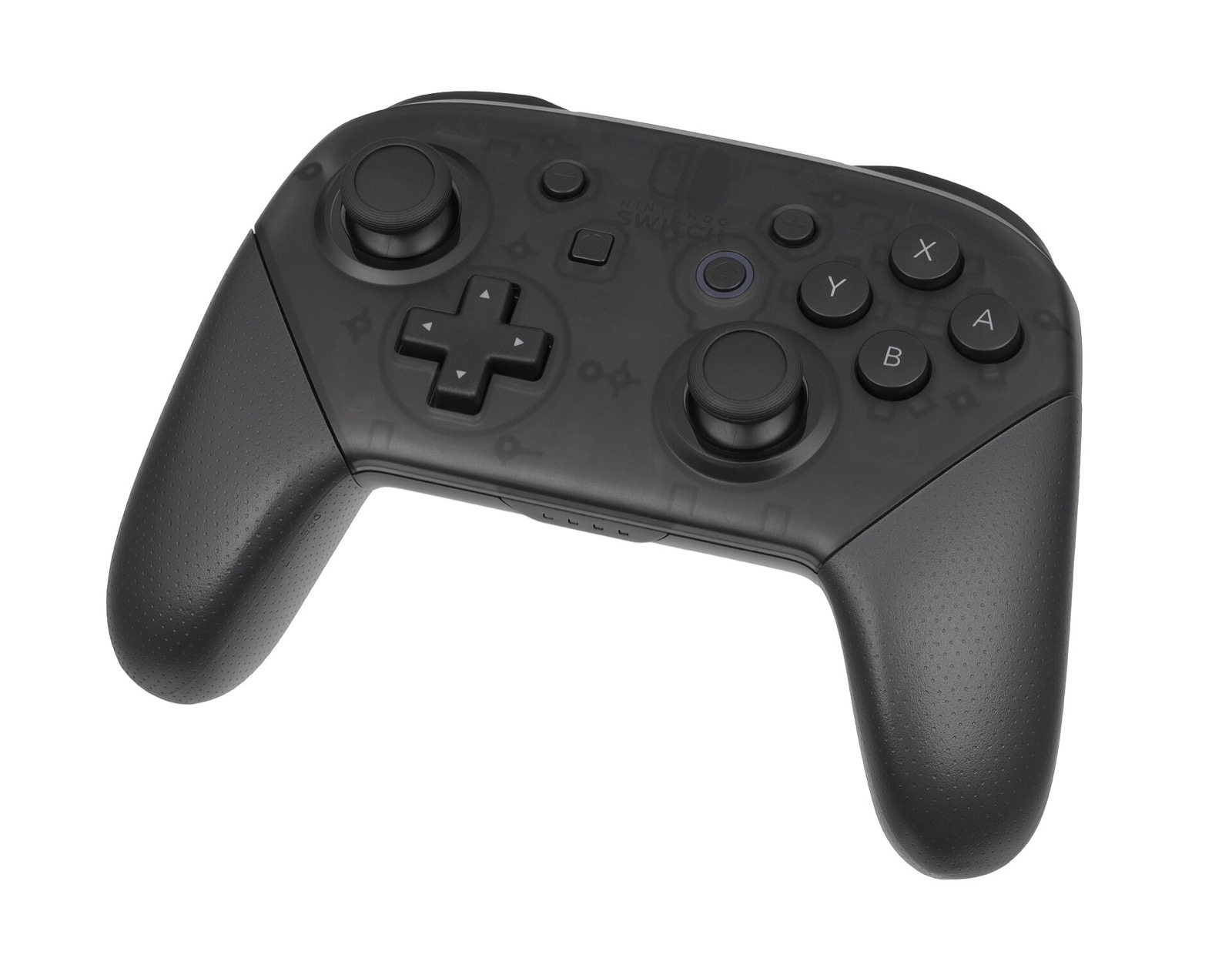
DKB Recomp answers Switch 2 Horizon OS hid/input services on top of SDL3 (SDL 3.4.18). Upstream explicitly recommends playing with a controller, and all standard XInput and HID gamepads—including Xbox Wireless, Sony DualSense, Nintendo Switch Pro Controller, 8BitDo Ultimate 2 and GameSir Cyclone 2—work out of the box on Windows and Linux.
New in v0.3.0: Split Controller and Mouse & Keyboard pages
In v0.3.0 (PRs #170, #171, #172, #192), the settings menu was reorganized so controller bindings and keyboard/mouse bindings no longer sit mixed together:
| Settings Location / Shortcut | Feature Scope | What You Can Configure |
|---|---|---|
| Controls > Controller | Dedicated controller page (#171) | Maps physical SDL3 gamepad buttons to Donkey Kong Bananza actions (punch, jump, roll, grab, turf surf, sonar clap, Bananza transformations) with action descriptions (#172). |
| Controls > Mouse & Keyboard | Dedicated KBM page (#171, #192) | Supports up to two key/mouse bindings per action, WASD movement, camera bindings, mouse sensitivity sliders, and Bananza’s direct mouse camera option. |
| Display tab | Window & timing (#170, #172) | Window mode, output resolution (including 3840x1600, 3840x2160, 5120x1440, 5120x2160), ultrawide toggle, frame sync, FPS limit, and "Game speed follows the clock" (#118). |
| Graphics tab | Upscaling & HDR (#170, #172) | Upscaler selection (temporal DLSS on RTX), SMAA toggle, HDR10 output (hdr, hdr_peak_nits, hdr_game_nits), and display scaling modes. |
| F1 / F9 | Runtime hotkeys | F1 toggles the in-game settings overlay; F9 arms a single-frame graphics diagnostic dump. |
Mouse camera control & community requests
The Mouse & Keyboard page includes mouse sensitivity adjustments and Bananza’s built-in direct mouse camera mode, plus corrected binding help prompts (#192). Note that true 1:1 raw mouse camera aim (bypassing stick-emulation deadzones and maximum turn-rate clamps) is tracked as an open enhancement in Issue #177.
Controllers for DKB Recomp
DKB Recomp recommends a gamepad on Windows, Linux and macOS via its SDL3 Horizon host, with dedicated Controller and Mouse & Keyboard settings tabs plus Bananza action descriptions. These controllers pair cleanly on PC:
| Controller | Best For in DKB Recomp | Hardware Advantage | Link |
|---|---|---|---|
| GameSir Cyclone 2 | Tunnel punching & 3D camera control | TMR sticks, Hall linear/microswitch triggers, 1000 Hz wireless dongle | View on Amazon |
| 8BitDo Ultimate 2 Wireless | Desktop Windows & Linux setup | Zero-drift TMR sticks, charging dock, Switch/XInput mode switch | View on Amazon |
| Sony DualSense | Low-latency USB & SDL3 prompts | Responsive face buttons, crisp D-pad, native SDL3 HID support | View on Amazon |
| Xbox Wireless Controller | Plug-and-play Windows 10/11 | Native Windows XInput & Linux xpadneo pairing with zero setup | View on Amazon |
As an Amazon Associate, this site earns from qualifying purchases.
Scripted input & deterministic replay clock
For automated benchmarking and regression testing, v0.3.0 adds scripted input wait markers and a deterministic replay clock that lands at the exact same in-game timestamp on every run (used alongside tools/lowend_bench.py and shader/draw A/B comparisons).
Common questions
Why does Donkey Kong fail to climb walls or grates above 60 fps?
As reported in GitHub Issue #201, setting an active frame rate limit above 60 fps alters the climbing physics tick so DK cannot climb walls or grates. Keep the frame limit at 60 fps (or use FRAME_GEN=2x for high-refresh monitors) during climbing sections.
How do I prevent slow motion if my GPU drops below 60 fps?
Enable "Game speed follows the clock" in the Display settings (#118). On base 1.0.0, frame limits below 60 fps only hold proper real-time pacing when "Game speed follows the clock" is switched on.
Can I bind two keys to the same action on keyboard and mouse?
Yes. The separated Mouse & Keyboard page in v0.3.0 (#171, #192) supports up to two bindings per action alongside movement and camera controls.